Trade, party and friends
Trade
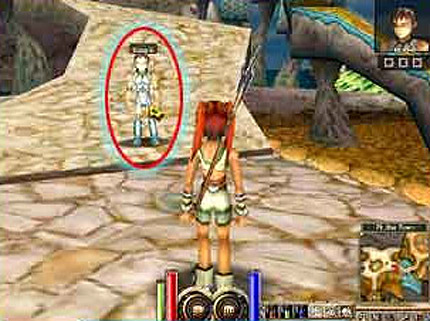
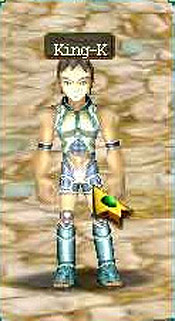
Click the player you want to trade with.
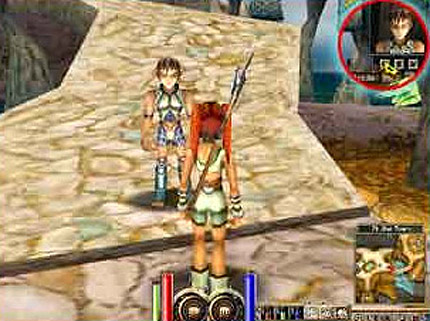
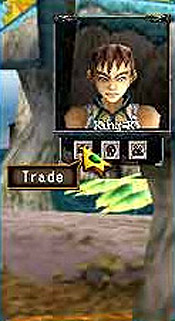
Press the Trade button under their portrait.
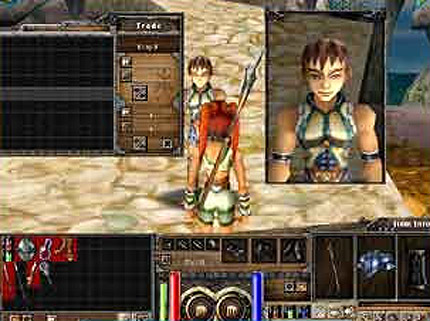
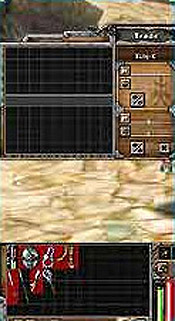
If they accept, the trade window opens: drag and drop the items and gold to trade.
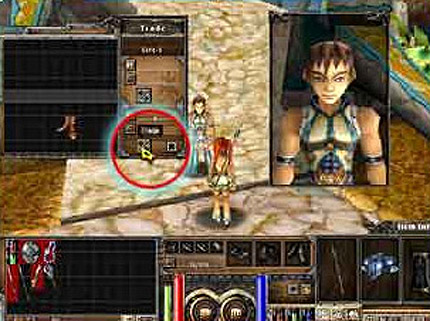
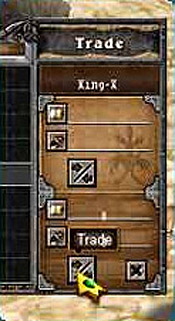
The trade is done when both players click OK.
Party
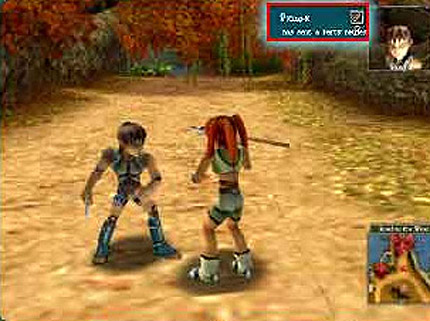
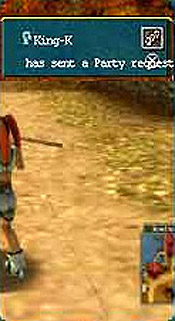
Send a party request.
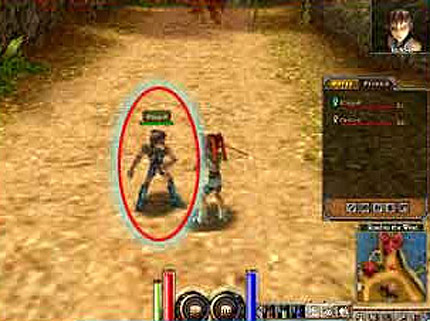
When the player accepts, the party is formed.
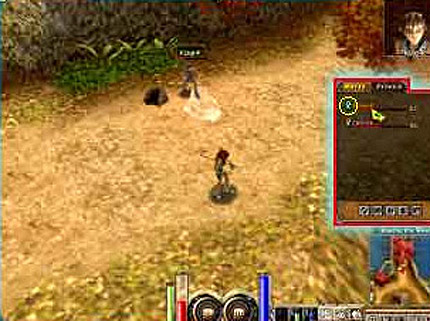
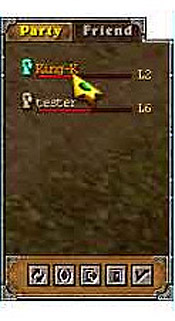
The party window shows each member's name, level and HP.
Friends
The friends list keeps the characters you know at hand.
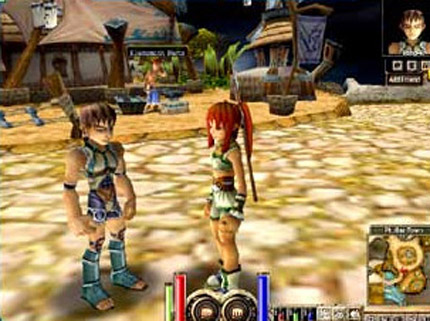
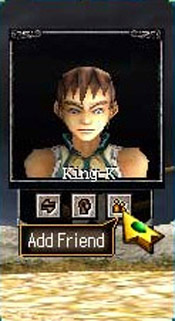
Add Friend, under a player's portrait, puts them in your friends list.
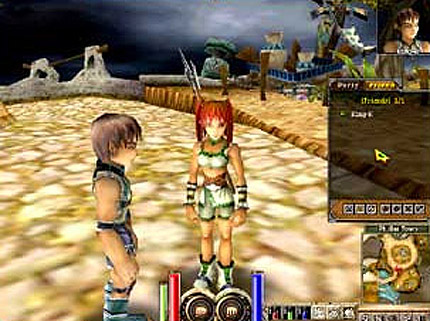
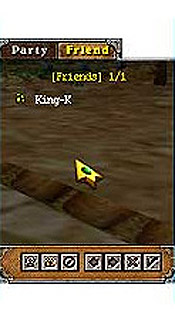
To send a message, select a name in the list.
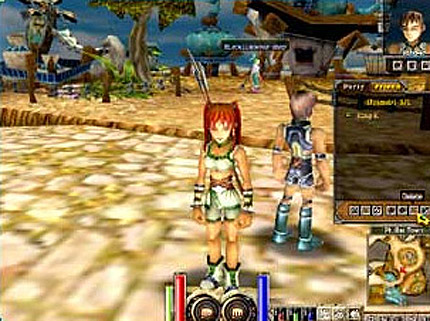
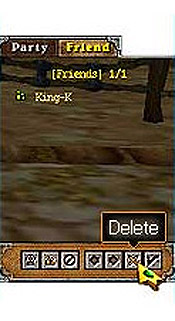
Delete removes the character from the list.
The recent list shows the characters you have met: Add Friend puts them in your friends list, Add Ignored blocks their whispers.
The ignored list shows the characters you blocked: Delete lifts the block, and they can whisper to you again.